About Numerator Marking System
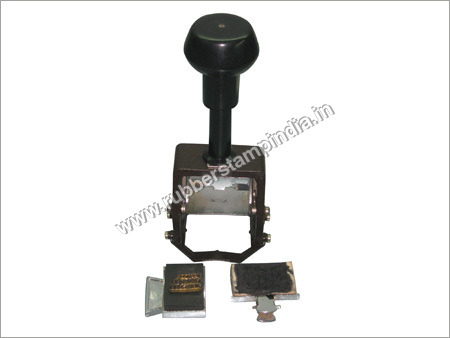
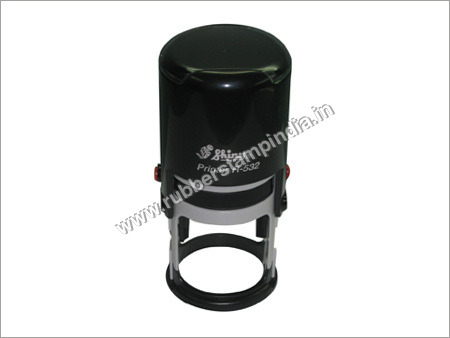
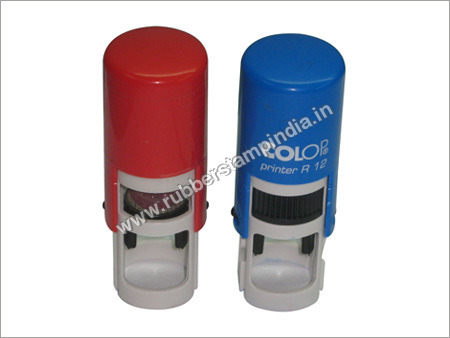
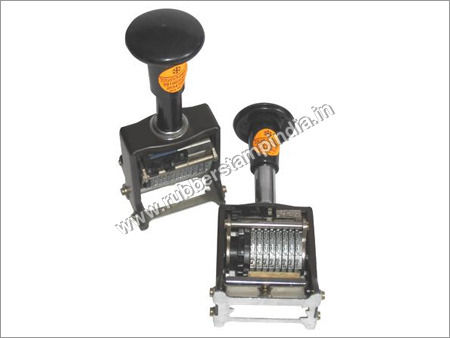
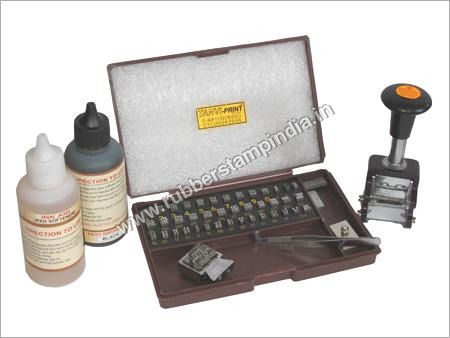
Backed by modern production unit, our company is regarded as the cardinal manufacturer and exporter of Numerator Marking System. In accordance with industrial standards & norms, these marking systems are designed using certified quality materials. Available in different sizes, these marking systems are highly used in offices for marking and numerator marking purpose. Water proof nature, fine finish and excellent quality are some of the outstanding features of our Numerator Marking System.
Advanced Precision and VersatilityEngineered for high-precision marking, this fiber laser system achieves a line width of only 0.015 mm and character heights down to 0.2 mm. Its support for various file formats allows efficient integration into different production workflows, making it a reliable choice for diverse marking needs.
User-Centric Features and OperationWith both manual and auto-focus modes, as well as an LCD panel, operation becomes straightforward even for new users. The interface utilizes USB 2.0, and the system runs smoothly on Windows 7, 8, or 10, making it accessible and compatible with most work environments.
Robust Safety and ReliabilityThe inclusion of an emergency stop and protective housing guarantees a safe working environment. The air-cooled design ensures consistent performance, while robust construction and repeat marking accuracy (0.002 mm) enhance its reliability for continuous industrial use.
FAQs of Numerator Marking System:
Q: How does the Numerator Marking System ensure high marking precision?
A: The Numerator Marking System uses a fiber laser with a fine 1064 nm wavelength, achieving a repeat marking precision of 0.002 mm and a line width of just 0.015 mm, ensuring detailed and accurate results.
Q: What file formats are supported by this marking system for design input?
A: It accommodates a broad range of file formats, including PLT, DXF, BMP, AI, and JPG, allowing you to import designs from various CAD and image editing software without compatibility issues.
Q: When should I use the auto-focus feature compared to manual focus?
A: Auto-focus is ideal for frequent, rapid adjustments or when marking objects of varying thickness, while manual focus is suitable for specialized applications where precise depth control is necessary.
Q: Where is this marking system best installed within a facility?
A: The machine, measuring 550 x 800 x 1430 mm and weighing about 80 kg, fits well in controlled production or workshop environments. Position it in a stable, clean area near standard AC 220V power sources to maximize efficiency and safety.
Q: What is the process for starting a marking operation on this system?
A: Begin by connecting via USB 2.0 and launching EZCAD control software on a compatible Windows system. Import your design, adjust focus mode (manual or auto), and configure marking settings. The emergency stop enhances safe operation during the marking process.
Q: How can I benefit from using this marking system in my production line?
A: Using this system streamlines your marking processes with fast speeds (7000 mm/s), high accuracy (0.01 mm), and broad file compatibilityimproving throughput, reducing errors, and delivering consistent quality across various marking projects.






 Send Inquiry


 Send Inquiry